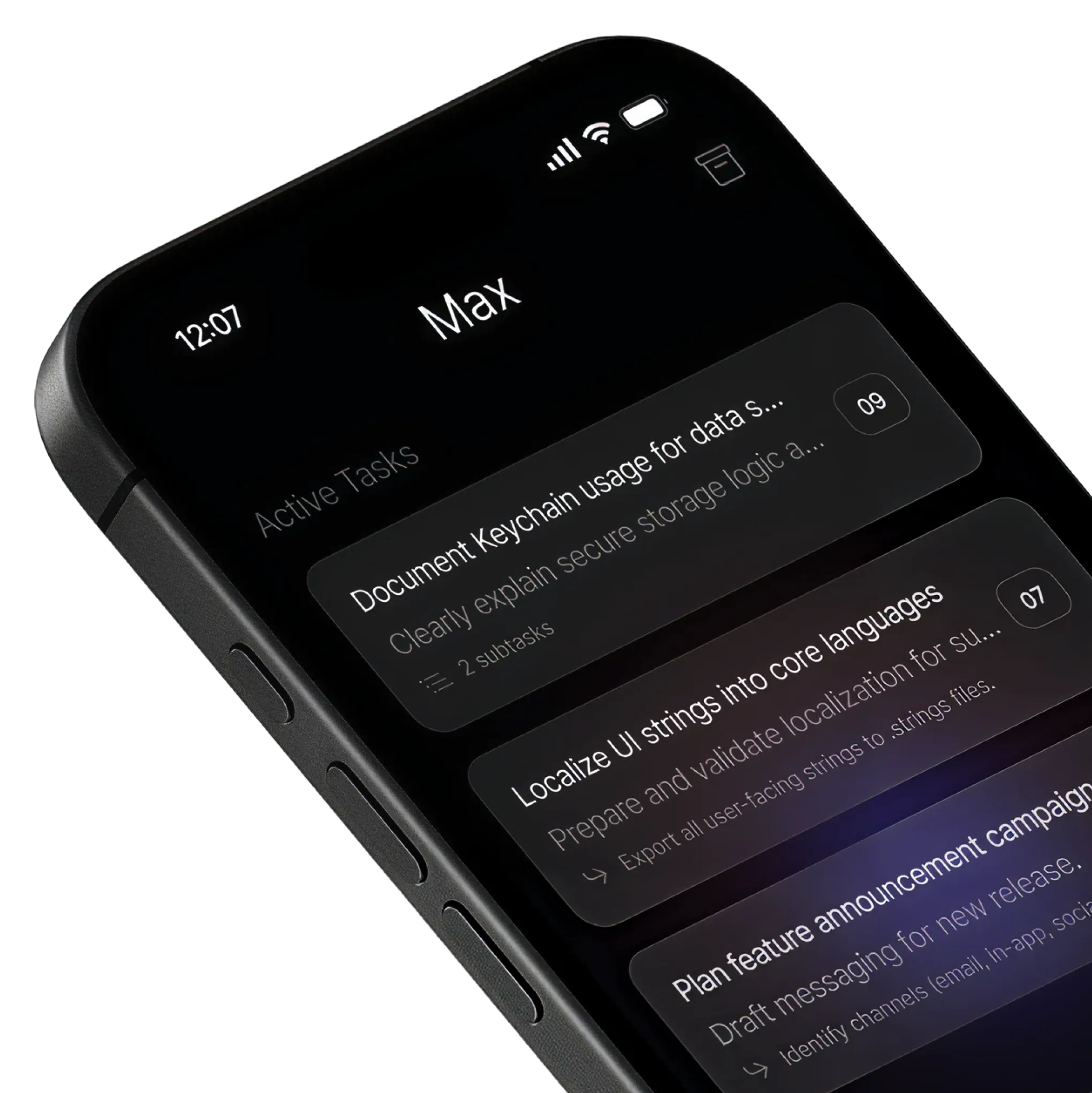
Designed with focus in mind.
A clean interface for focused work. Max's minimalist design reduces distractions, allowing you to concentrate on completing tasks that matter.
Max helps you choose what to work on next, based on your available time, priorities, and goals.
7-day free trial then $4.99/mo.
Available on iOS.
Designed for intentional achievers.
Max leverages artificial intelligence to surface tasks that align with your available time, real priorities, and goals, helping you focus on what truly matters—meaningful progress every day.
Yours.
A clean interface for focused work. Max's minimalist design reduces distractions, allowing you to concentrate on completing tasks that matter.
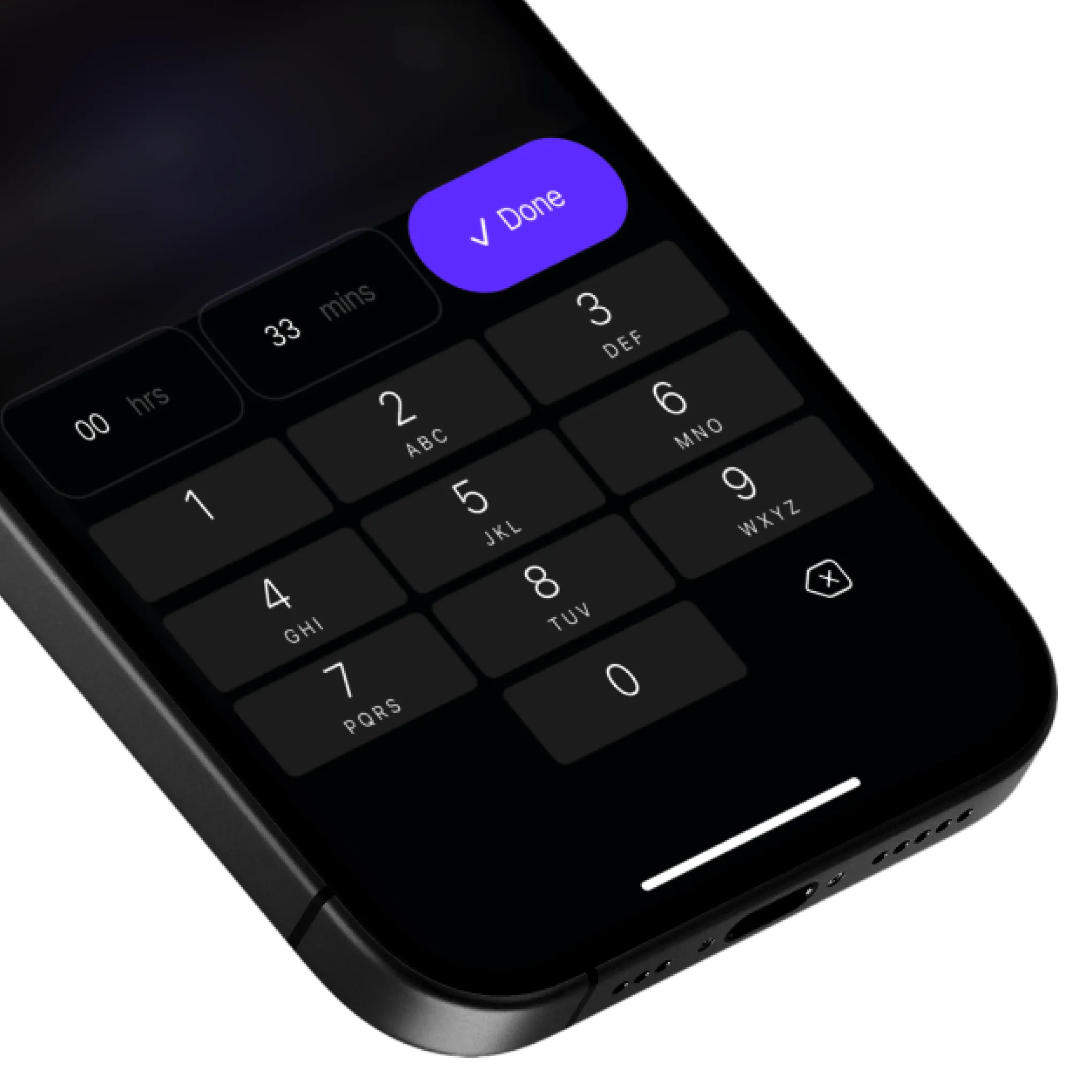
Max adapts to your schedule, helping you make the most of your time by suggesting tasks that fit your available time slots.
Rise with the tide.
Imagine always knowing what matters most—even when you’re overwhelmed. Max surfaces your highest-impact tasks, cutting through the noise. Using our original TIDE Score framework, Max decodes your priorities—so your energy goes where it counts, not where it’s loudest.
For each task, Max references everything it knows about you—your job, skills, tasks, and more—in combination with these four factors.
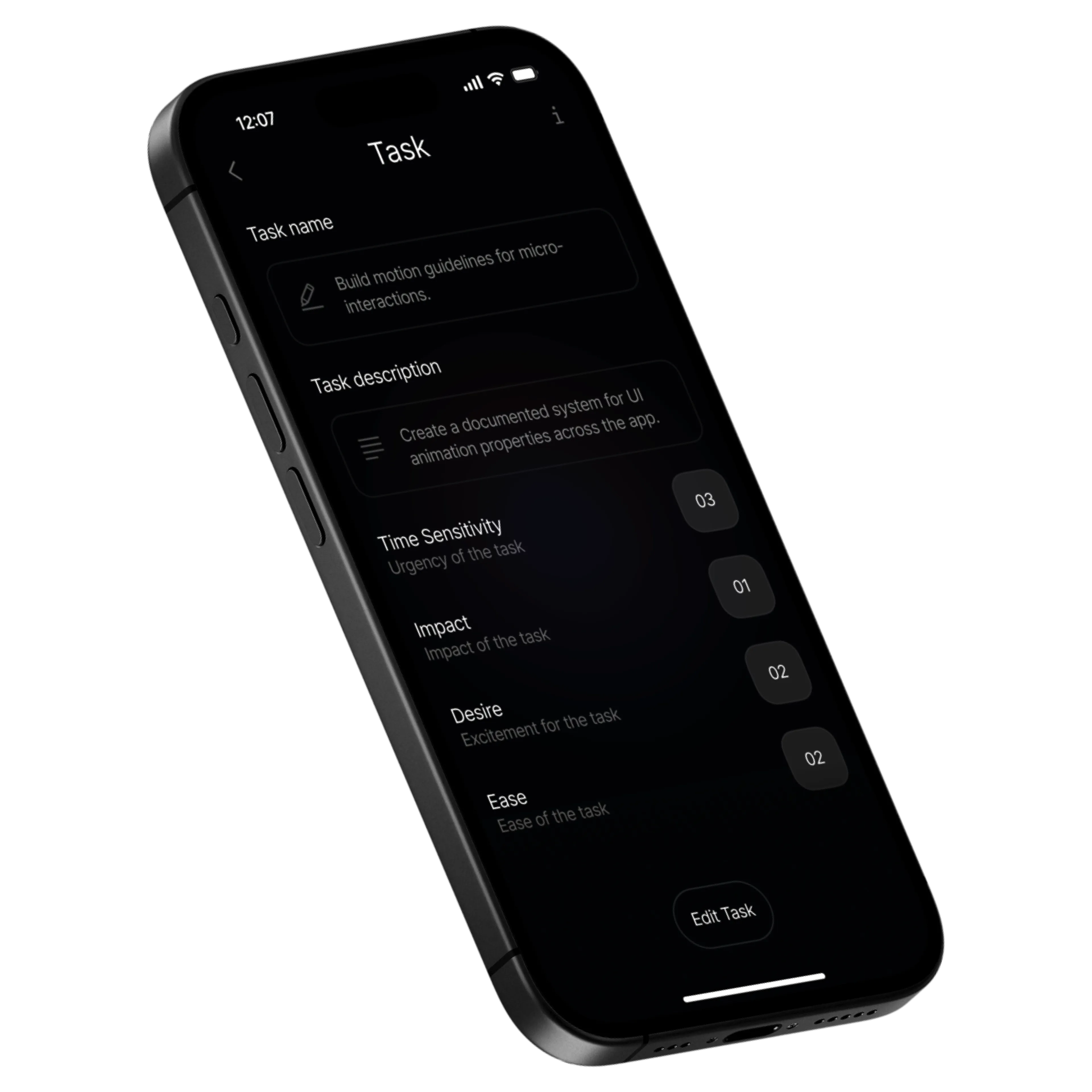
How urgent is it, a burning fire (high score) or something you can do later (low score)?
Will this get you closer to your goals (high score) or is it just busy work (low score)?
Do you feel excited about doing it (high score) or are you dreading it (low score)?
Can you finish it quickly (high score) or will it take a lot of effort (low score)?
Done.
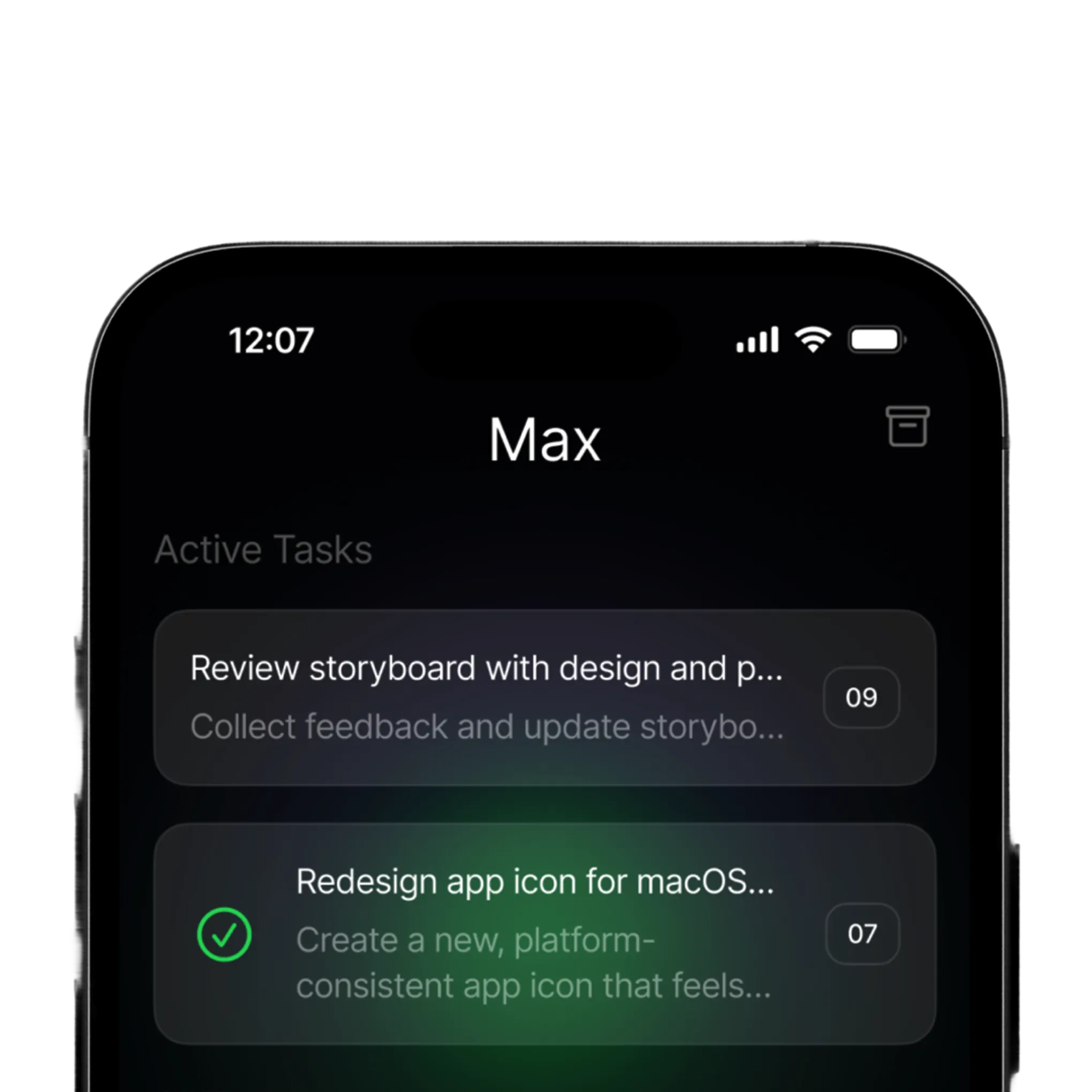
See your priorities. Mark real progress. Max keeps your active tasks clear, so every checkmark means momentum—not just motion. Finish what matters—and feel it.
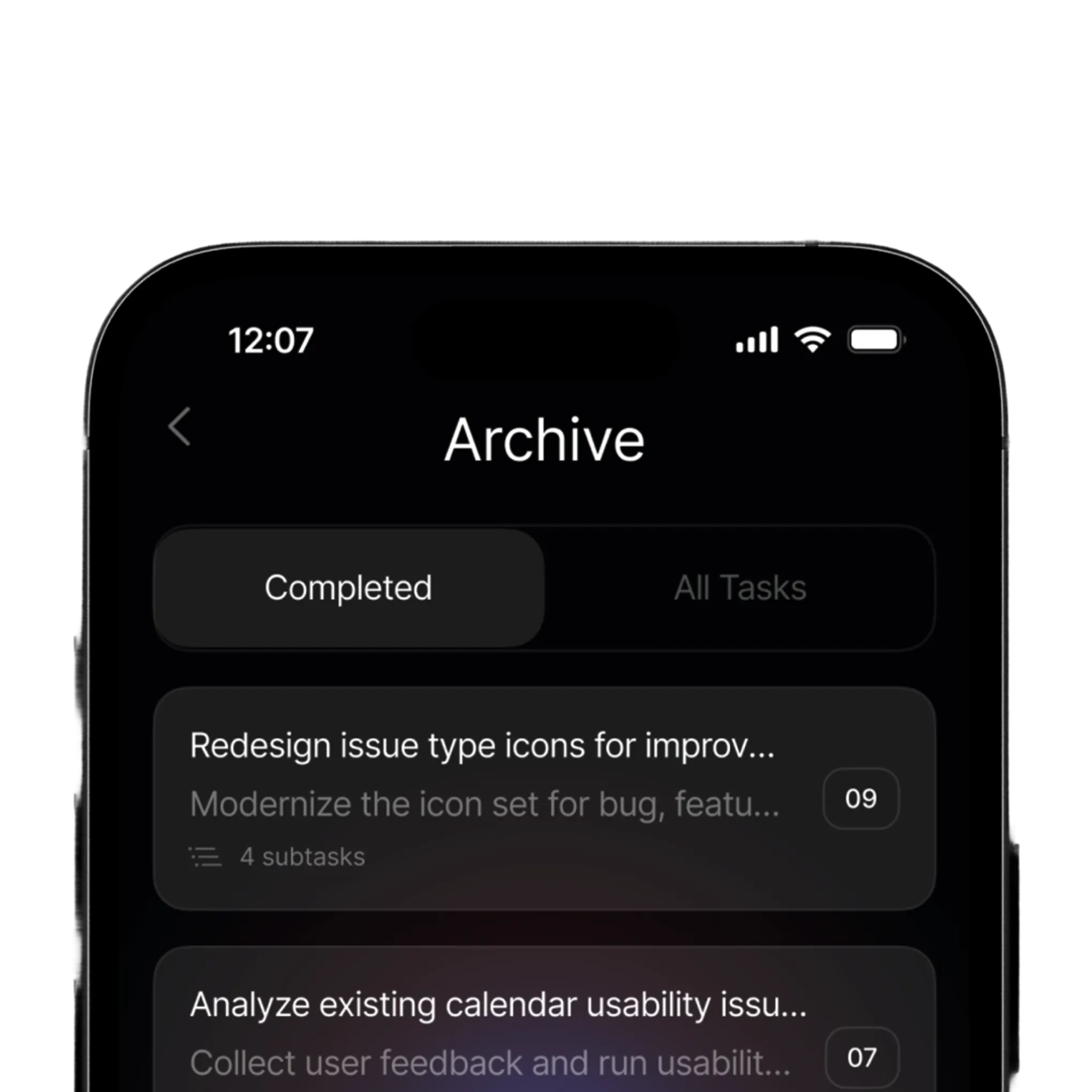
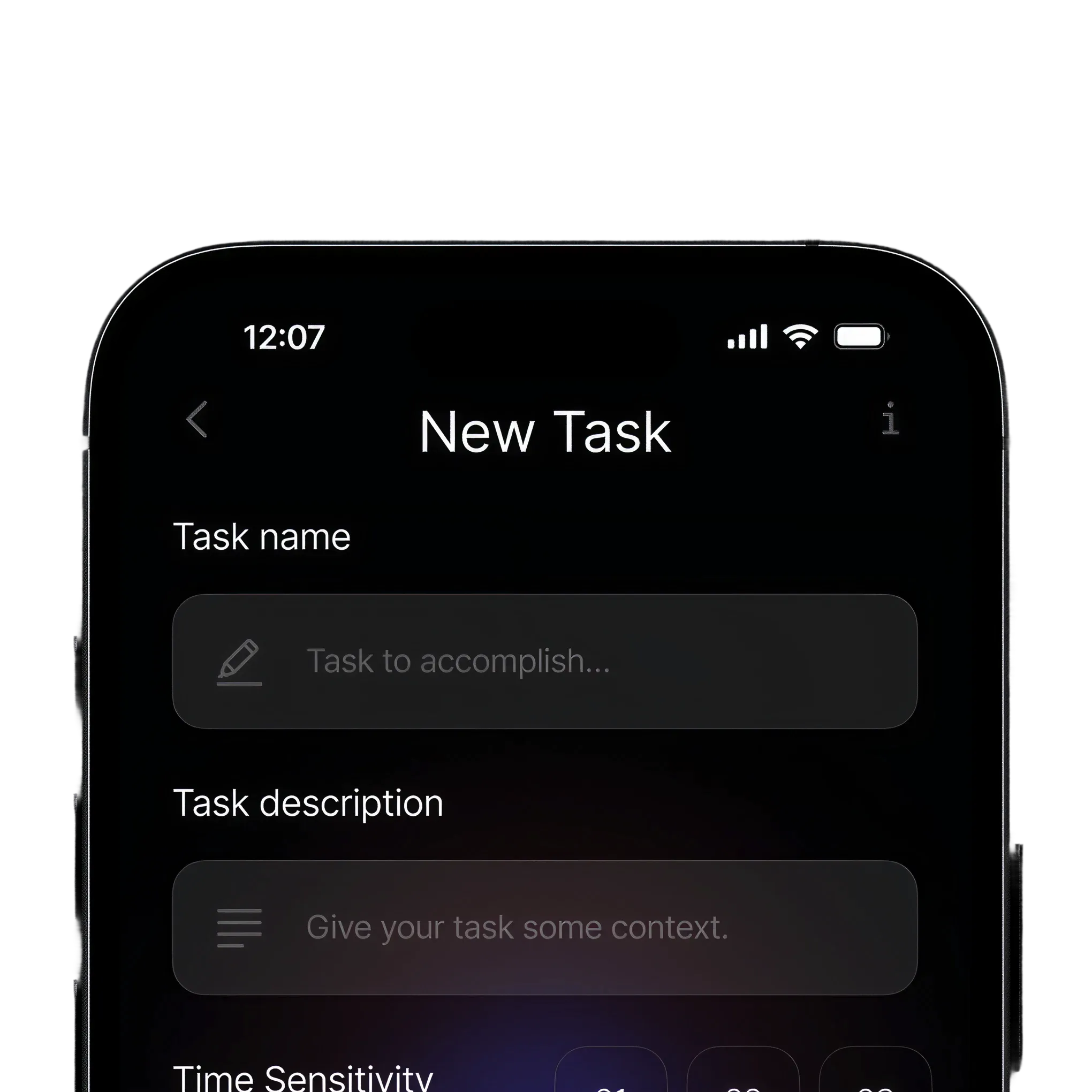
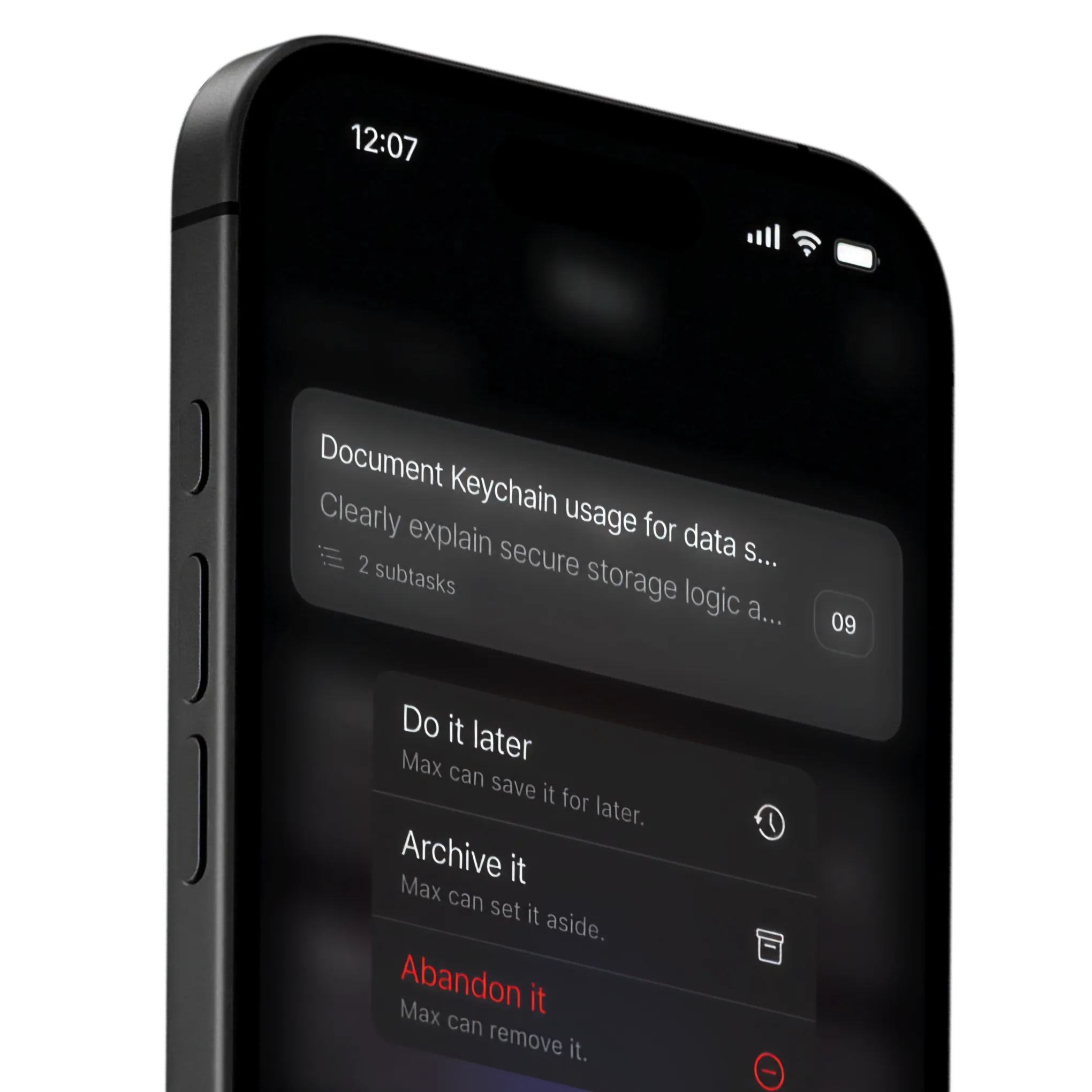
Max helps you act with intention, not indecision. Every task is a choice—do it now, save it for later, archive, or let it go. No clutter. No lingering doubts. Just focused momentum.
Don’t waste energy sorting through noise. Max surfaces the right tasks, at the right time—so you can dive in, build momentum, and finish with confidence. One tap—pure focus.
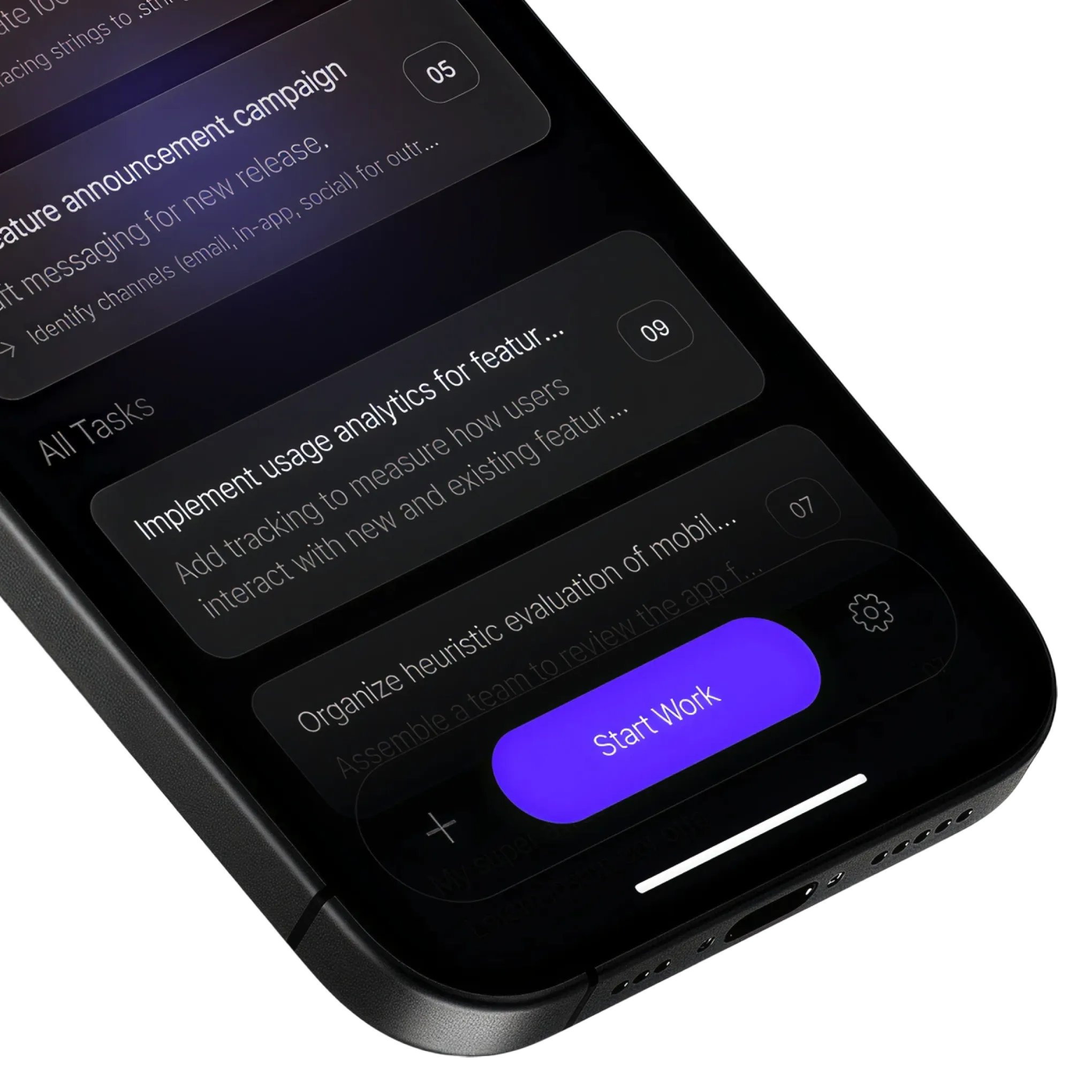
Max-imize every day.
Experience focused productivity—download Max and begin your journey towards intentional and effective task management.
Get Max
Max helps you decide what to work on next. It considers your tasks, priorities, and available time to suggest where to start, so you can spend less time sorting through your list and more time making progress.
A to-do list keeps track of what you want to do. Max helps you turn the time you actually have into a manageable next step. Only have ten minutes? Max can suggest a task that fits or break a larger task into smaller steps that fit the time you have.
Max combines the priorities you set with time estimates based on what you share during onboarding. Tell it how much time you have and it looks for something you can reasonably tackle in that window. If something’s too big, Max can break it into smaller steps. The estimates are there to give you a practical starting point, not a deadline you have to beat.
Max is available for iPhone. Download it from the App Store, where you can check compatibility with your device and availability in your region.
Yes. Max is free to download, and some features require a paid upgrade. You’ll see the price and what’s included before you pay.